Menu+
Menu+
CRAFT UI FIGMA PLUGIN CASE STUDY
CRAFT UI FIGMA PLUGIN CASE STUDY
As a designer, I often found myself breaking my creative flow just to look for inspiration. I’d jump between websites, scroll endlessly, save screenshots everywhere and by the time I returned to Figma, the momentum was gone. I realized this wasn’t just my problem. Many designers struggle with finding quality inspiration quickly inside their actual workflow. That insight led me to design a Figma plugin focused on iOS app screenshots and modern web UI inspiration, built to live exactly where designers already work
As a designer, I often found myself breaking my creative flow just to look for inspiration. I’d jump between websites, scroll endlessly, save screenshots everywhere and by the time I returned to Figma, the momentum was gone. I realized this wasn’t just my problem. Many designers struggle with finding quality inspiration quickly inside their actual workflow. That insight led me to design a Figma plugin focused on iOS app screenshots and modern web UI inspiration, built to live exactly where designers already work
The Problem
Inspiration is essential, but the process of finding it is often frustrating
Too much time spent switching between tabs and platforms
Inspiration sources scattered across multiple websites
Difficulty translating inspiration into usable design references
No simple way to organize inspiration per project
Instead of fueling creativity, inspiration hunting was slowing designers down
The Goal
My goal was simple:
Design a lightweight Figma plugin that helps designers discover, save, and use inspiration without leaving Figma.
The plugin needed to feel:
Fast
Visual
Minimal
Focused on real design workflows
The Audience
This tool was designed for:
Product and UI/UX designers
Freelancers working across multiple projects
Designers in early ideation stages
Design students learning visual patterns
My Role
I handled the project end to end:
Product thinking and UX decisions
Feature definition
User flows and interaction design
UI design and prototyping in Figma
The Solution
I designed a curated inspiration plugin that brings high-quality design references directly into the Figma canvas.
Core Features
Inspiration Feed
A visually rich feed of:
iOS app screenshots
Modern web UI
Carefully curated to prioritize quality over quantity.
Smart Categories
To help designers browse faster, inspiration is grouped into familiar categories such as:
iOS Apps
Web UI
Landing Pages
Dashboards
E-commerce
Quick Preview
Designers can open a full screen preview to:
Inspect layouts more closely
Study typography and spacing
Zoom into details without distractions
Save & Collect
Users can save designs into collections, making it easy to:
Organize inspiration by project
Revisit ideas later without re-searching
Drag & Use
Inspiration can be dragged directly onto the Figma canvas and used as:
Visual reference
Layout inspiration
Starting point for exploration
The Problem
Inspiration is essential, but the process of finding it is often frustrating
Too much time spent switching between tabs and platforms
Inspiration sources scattered across multiple websites
Difficulty translating inspiration into usable design references
No simple way to organize inspiration per project
Instead of fueling creativity, inspiration hunting was slowing designers down
The Goal
My goal was simple:
Design a lightweight Figma plugin that helps designers discover, save, and use inspiration without leaving Figma.
The plugin needed to feel:
Fast
Visual
Minimal
Focused on real design workflows
The Audience
This tool was designed for:
Product and UI/UX designers
Freelancers working across multiple projects
Designers in early ideation stages
Design students learning visual patterns
My Role
I handled the project end to end:
Product thinking and UX decisions
Feature definition
User flows and interaction design
UI design and prototyping in Figma
The Solution
I designed a curated inspiration plugin that brings high-quality design references directly into the Figma canvas.
Core Features
Inspiration Feed
A visually rich feed of:
iOS app screenshots
Modern web UI
Carefully curated to prioritize quality over quantity.
Smart Categories
To help designers browse faster, inspiration is grouped into familiar categories such as:
iOS Apps
Web UI
Landing Pages
Dashboards
E-commerce
Quick Preview
Designers can open a full screen preview to:
Inspect layouts more closely
Study typography and spacing
Zoom into details without distractions
Save & Collect
Users can save designs into collections, making it easy to:
Organize inspiration by project
Revisit ideas later without re-searching
Drag & Use
Inspiration can be dragged directly onto the Figma canvas and used as:
Visual reference
Layout inspiration
Starting point for exploration
AppShot Home (Free User) Screen
AppShot Home (Free User) Screen
Light & Dark Mode
Light & Dark Mode
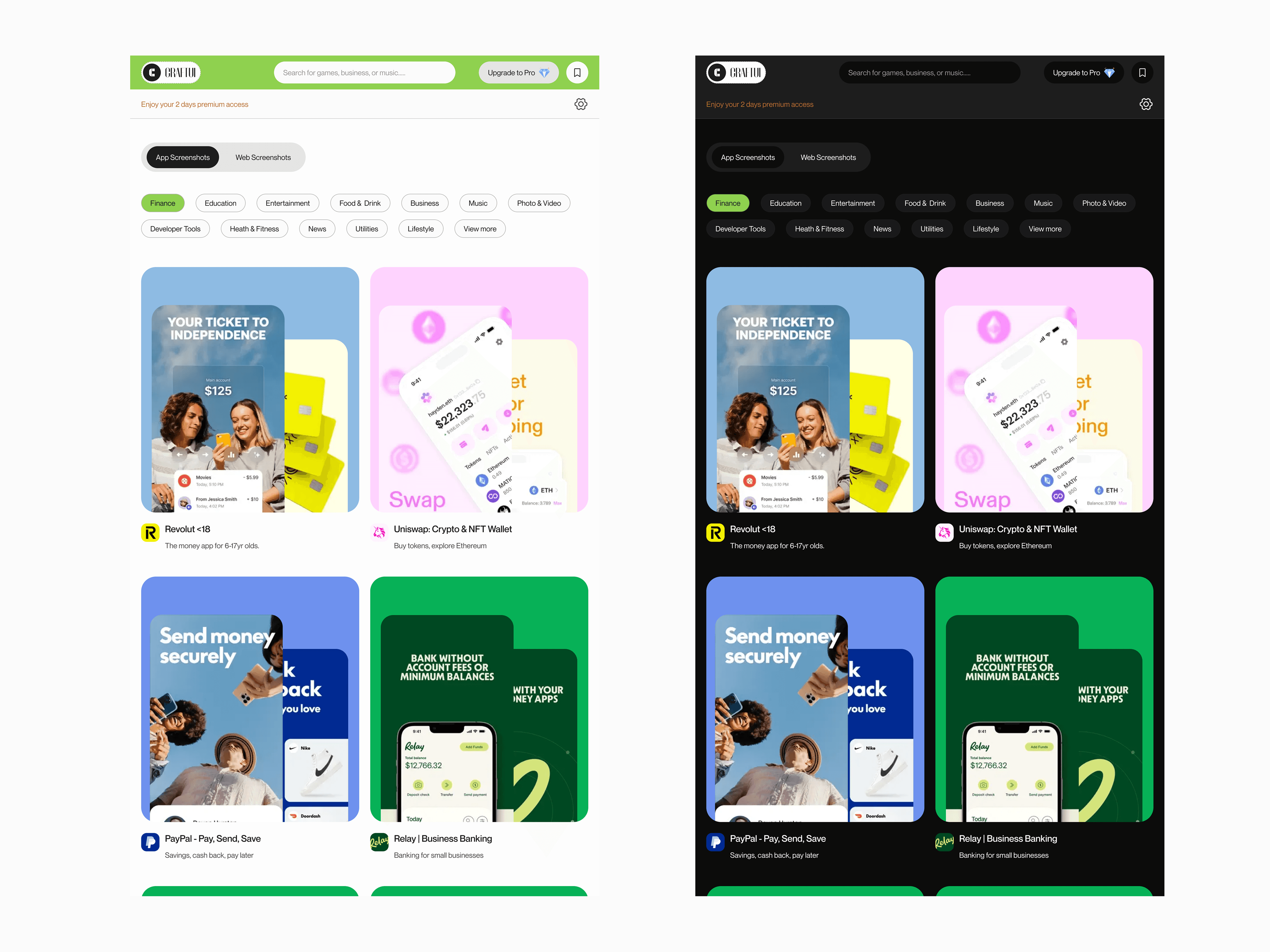
Settings
Settings
Light & Dark Mode
Light & Dark Mode
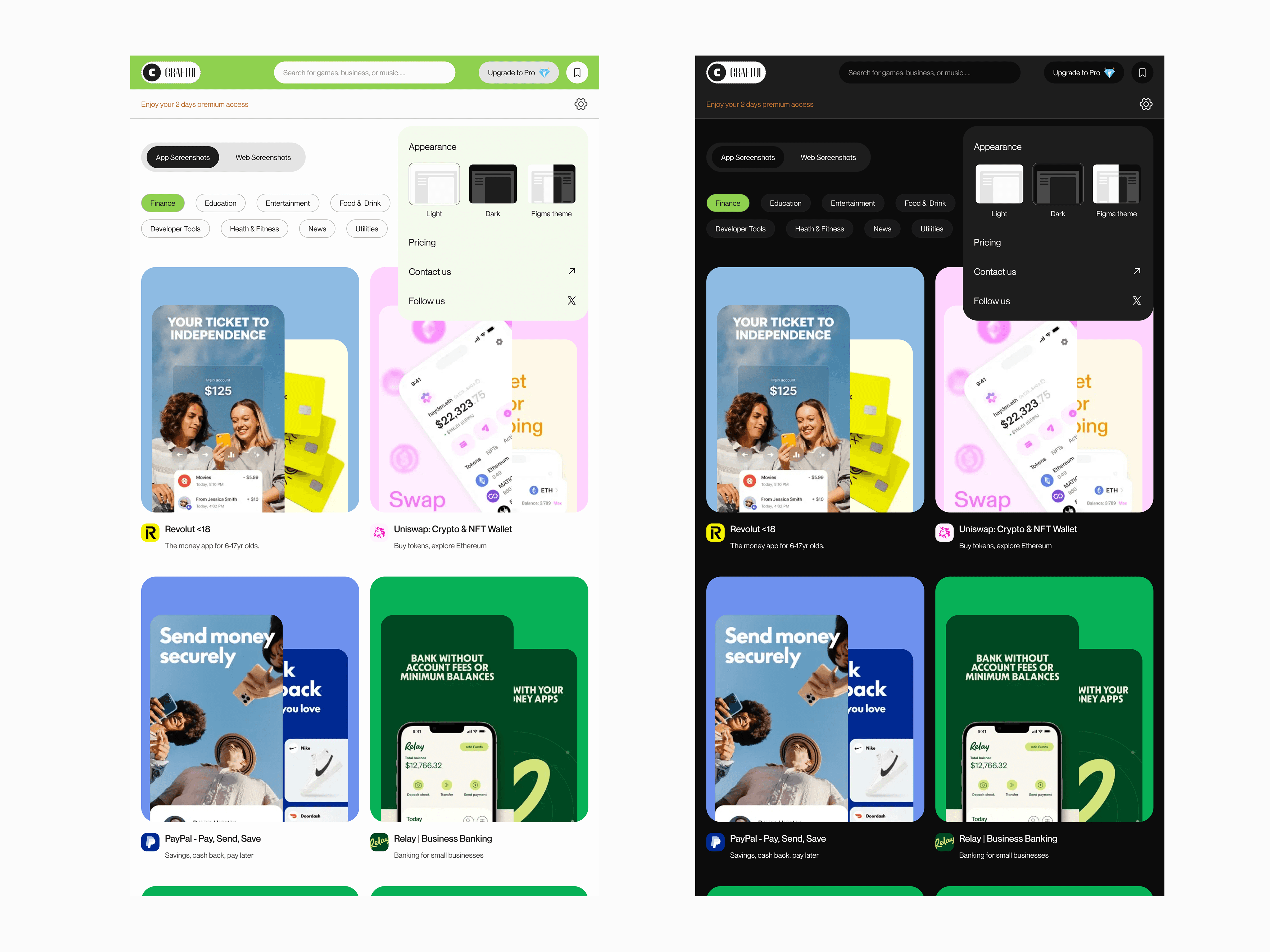
Premium User
Premium User
Light & Dark Mode
Light & Dark Mode
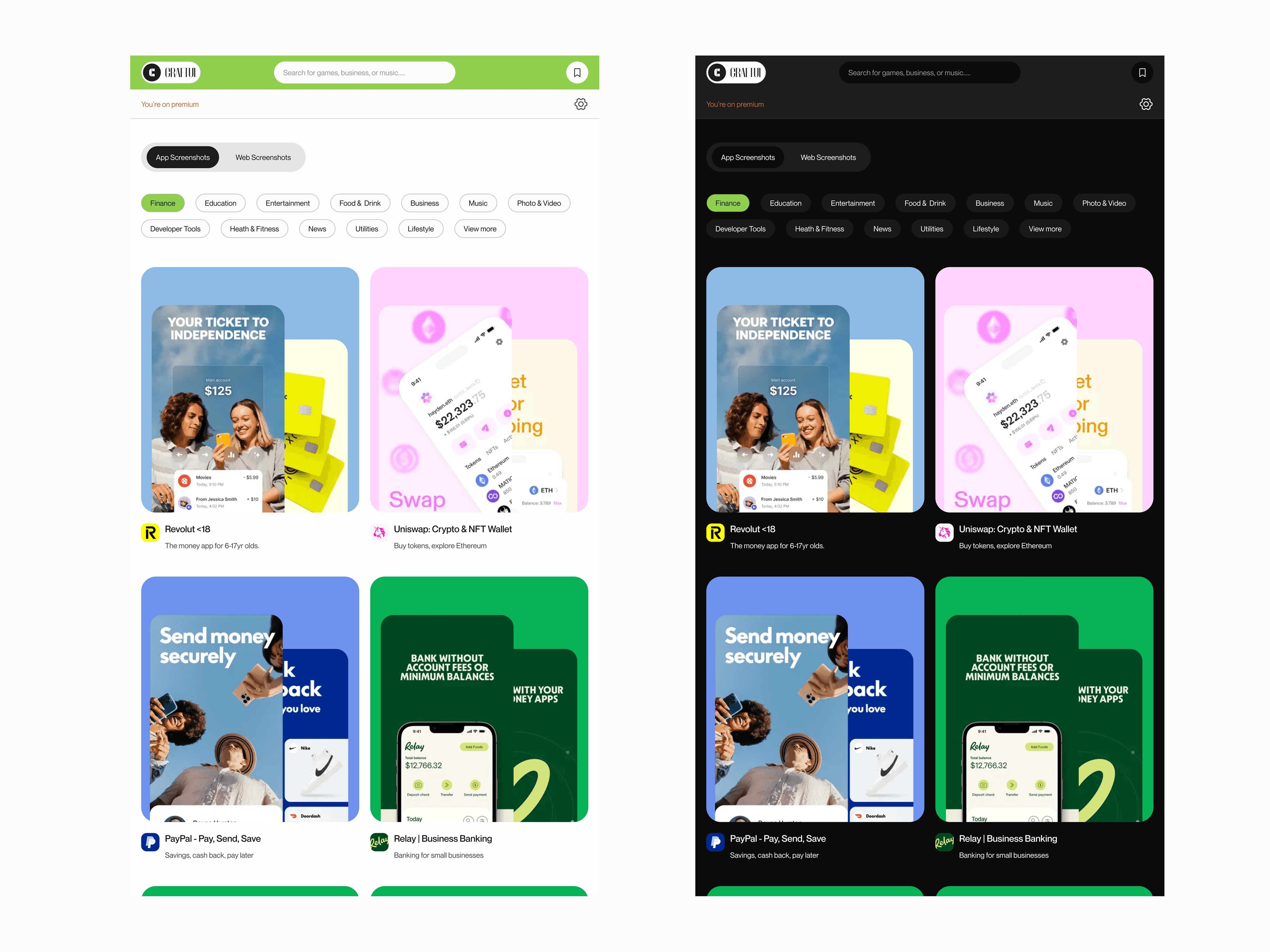
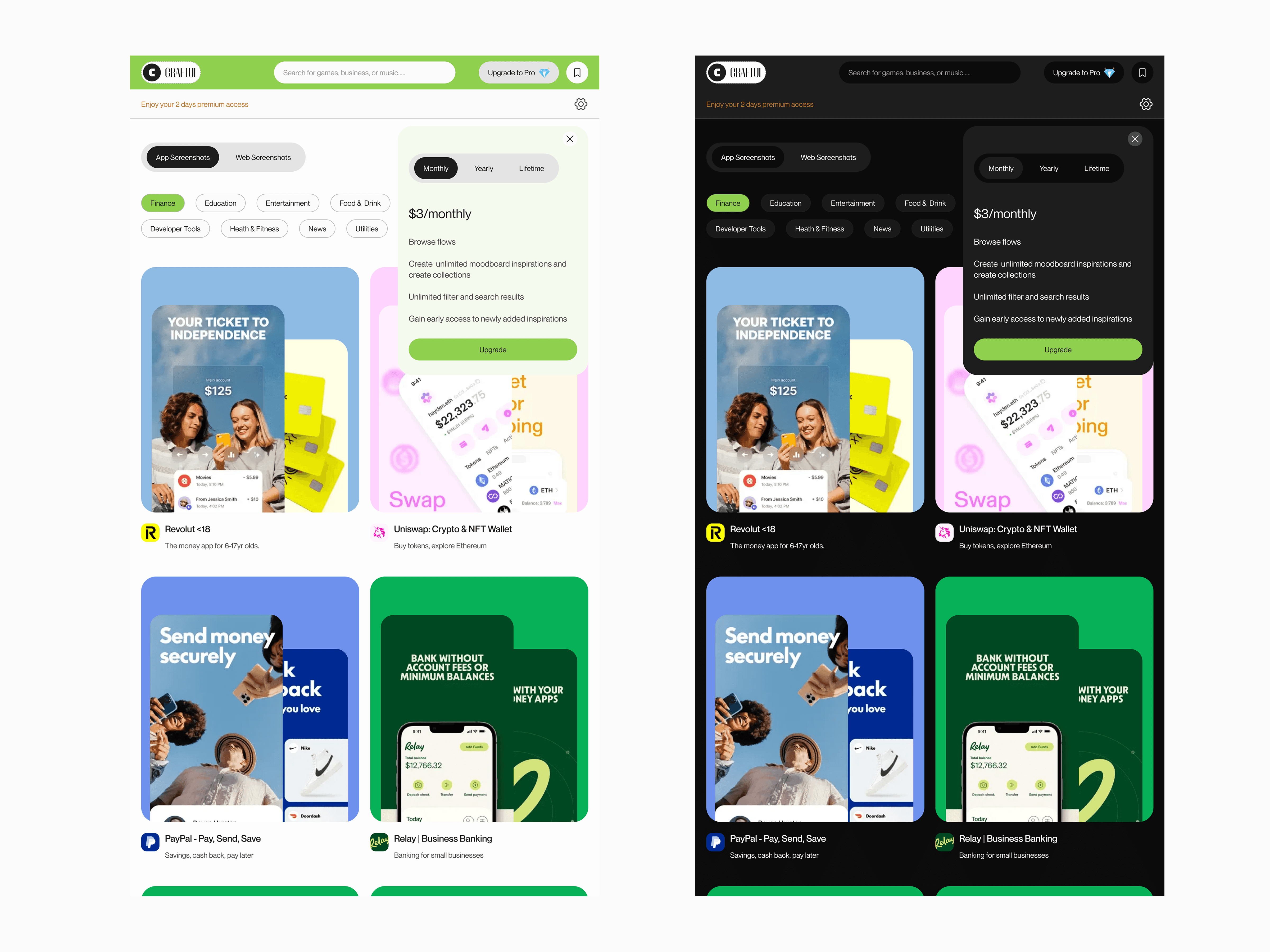
Pricing
Pricing
Light & Dark Mode
Light & Dark Mode
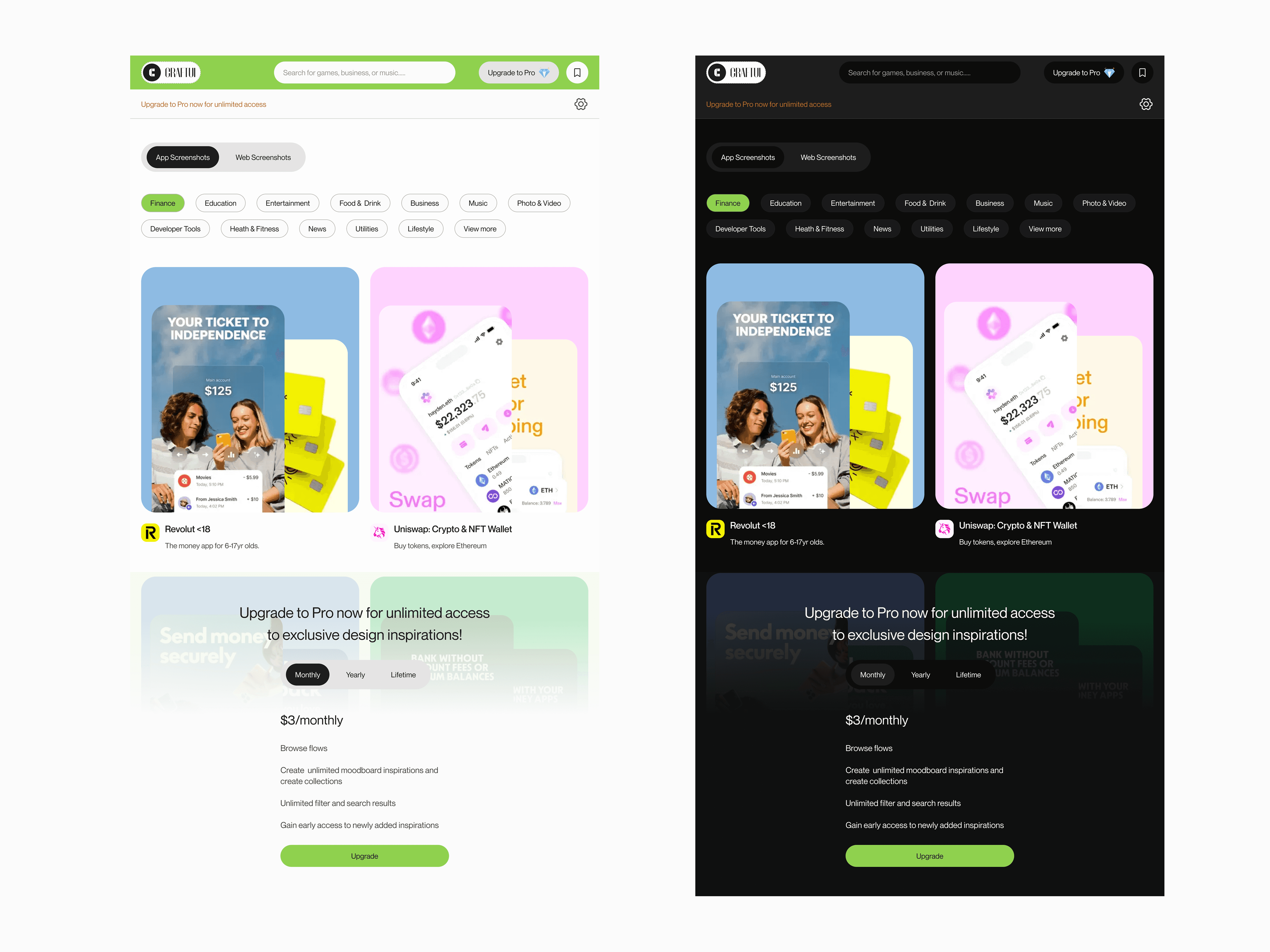
End of subscription
End of subscription
Light & Dark Mode
Light & Dark Mode
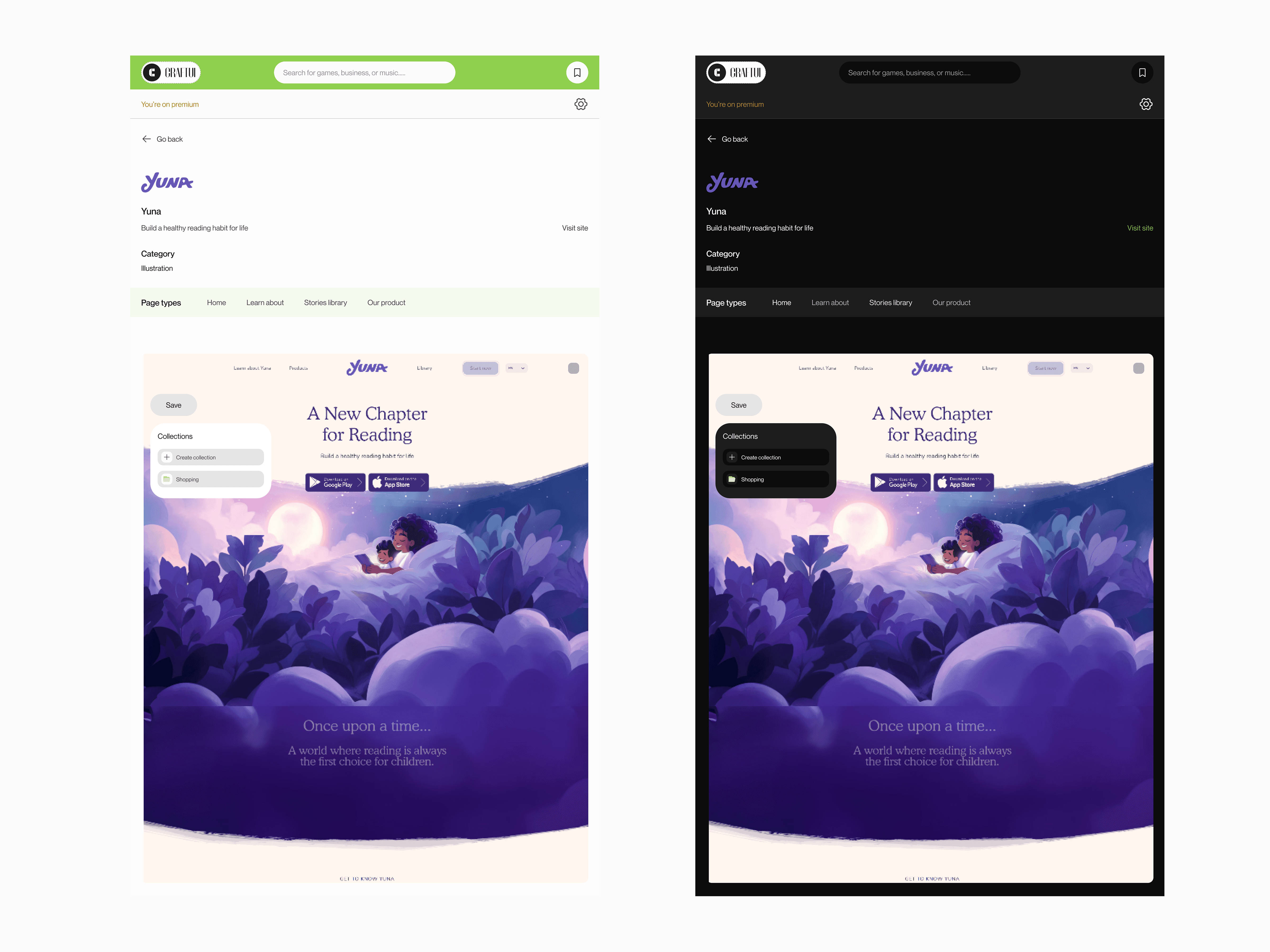
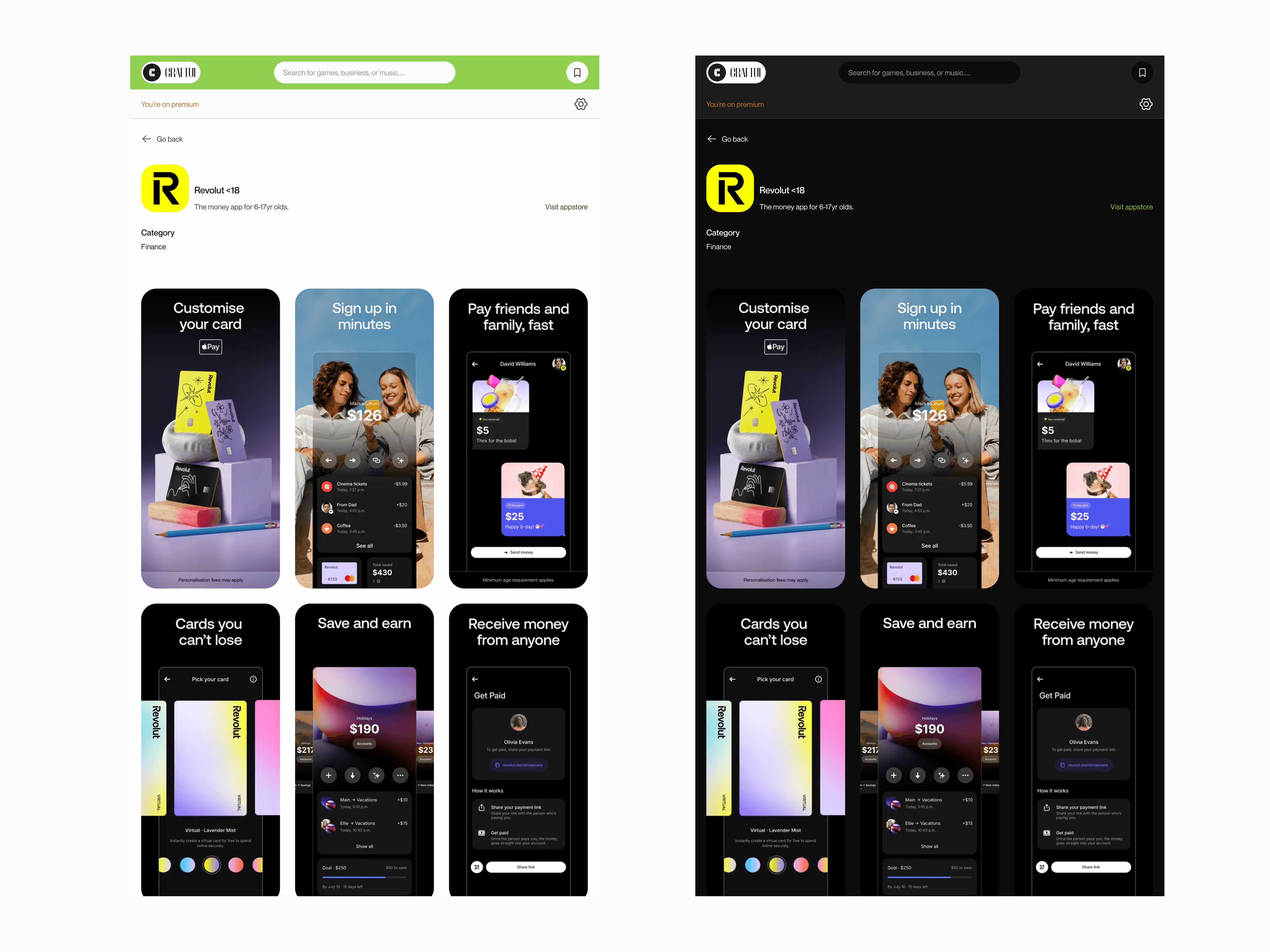
Inspo preview
Inspo preview
Light & Dark Mode
Light & Dark Mode
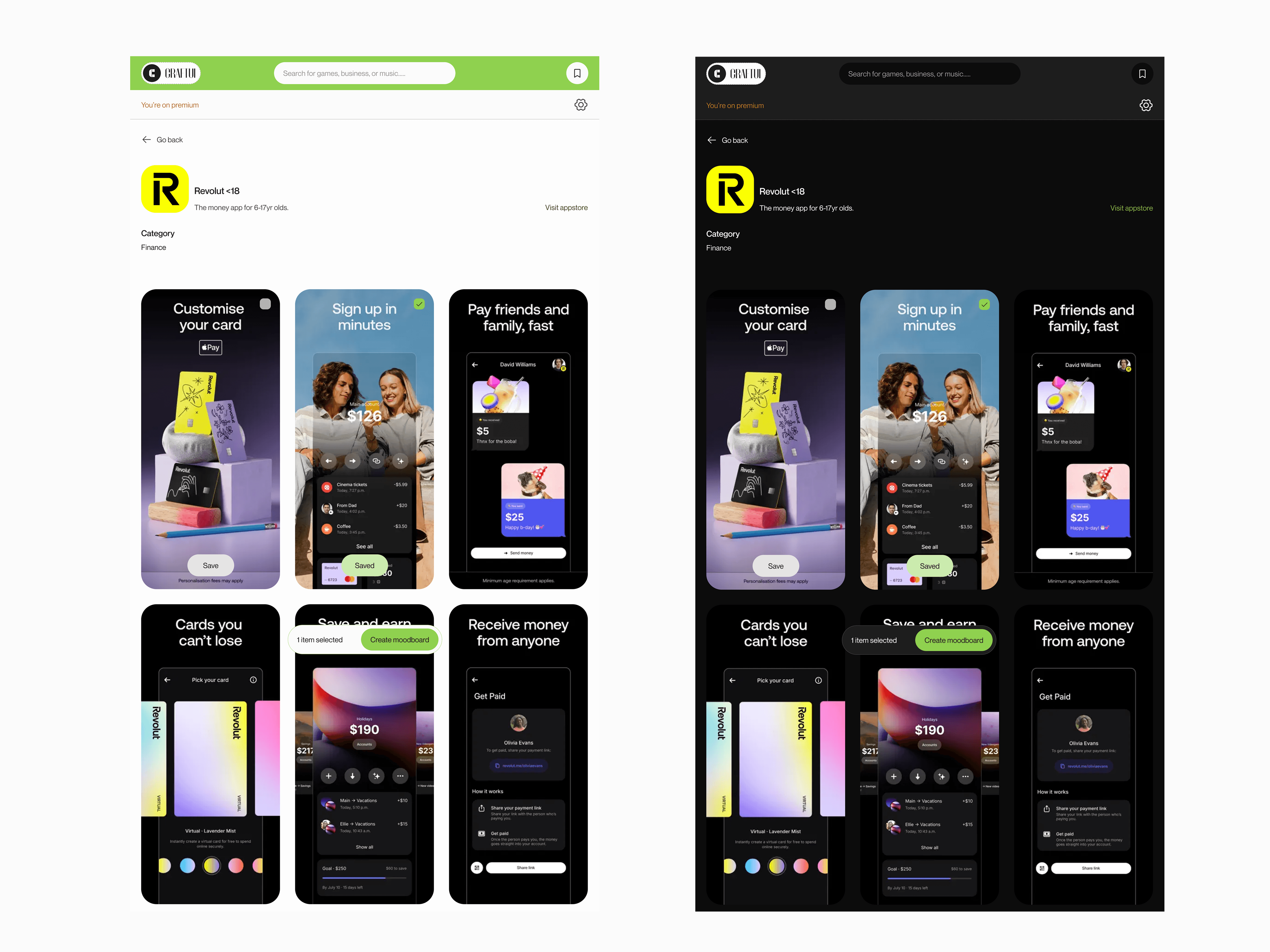
Moodboard creation
Moodboard creation
Light & Dark Mode
Light & Dark Mode
Moodboard Save popup - No collection
Moodboard Save popup - No collection
Light & Dark Mode
Light & Dark Mode
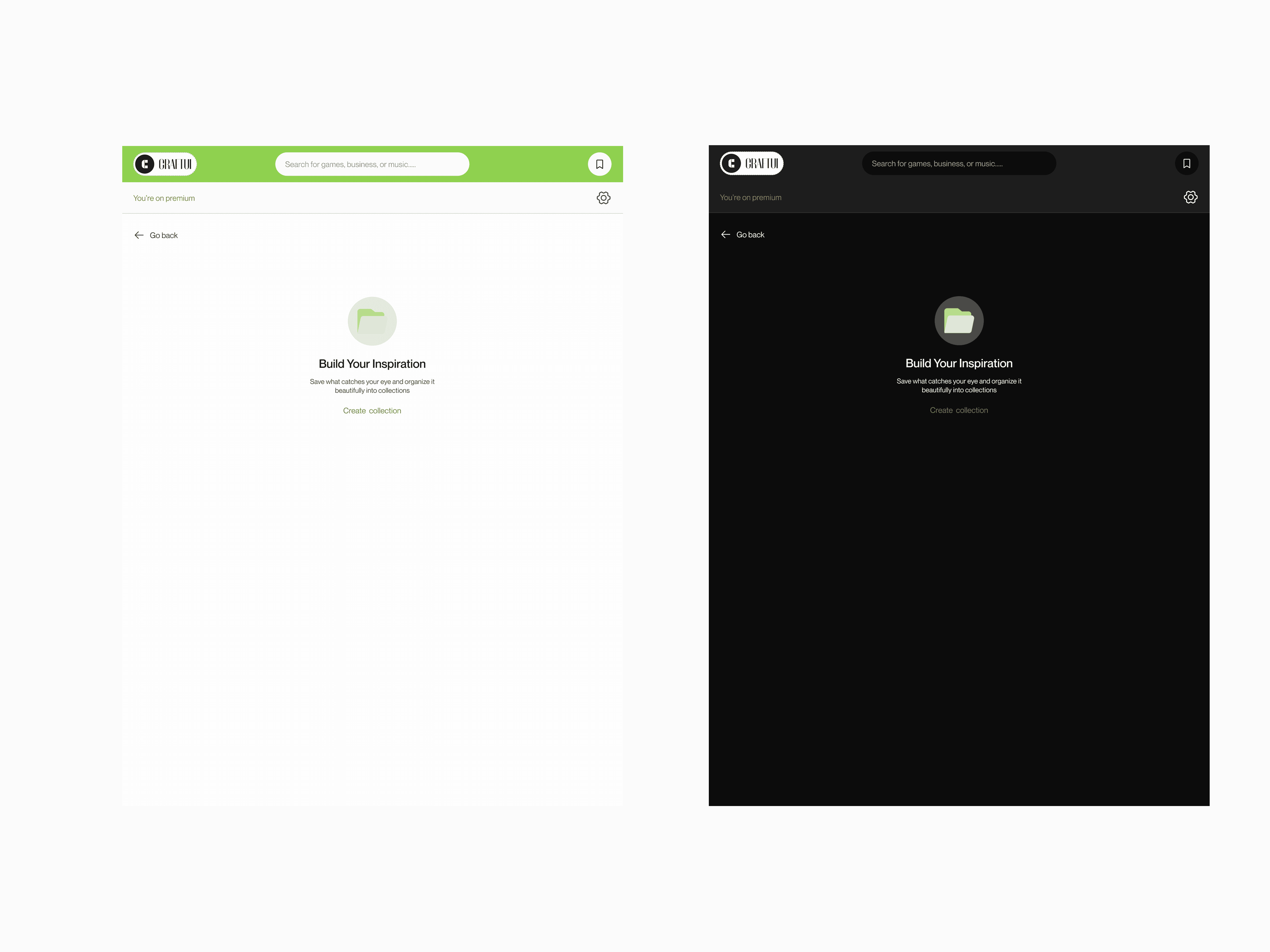
Bookmark Empty state
Bookmark Empty state
Light & Dark Mode
Light & Dark Mode
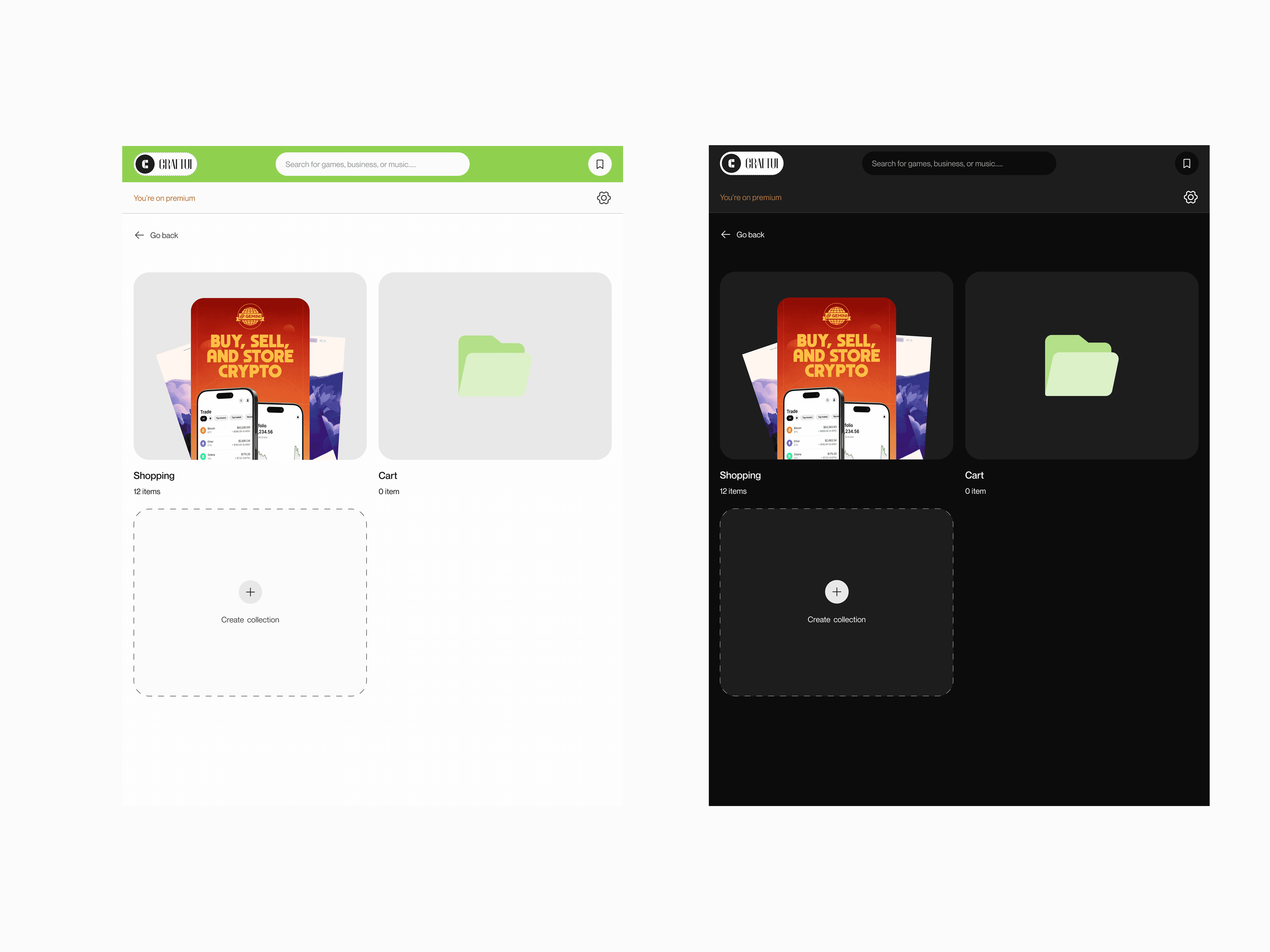
Bookmark Active state
Bookmark Active state
Light & Dark Mode
Light & Dark Mode
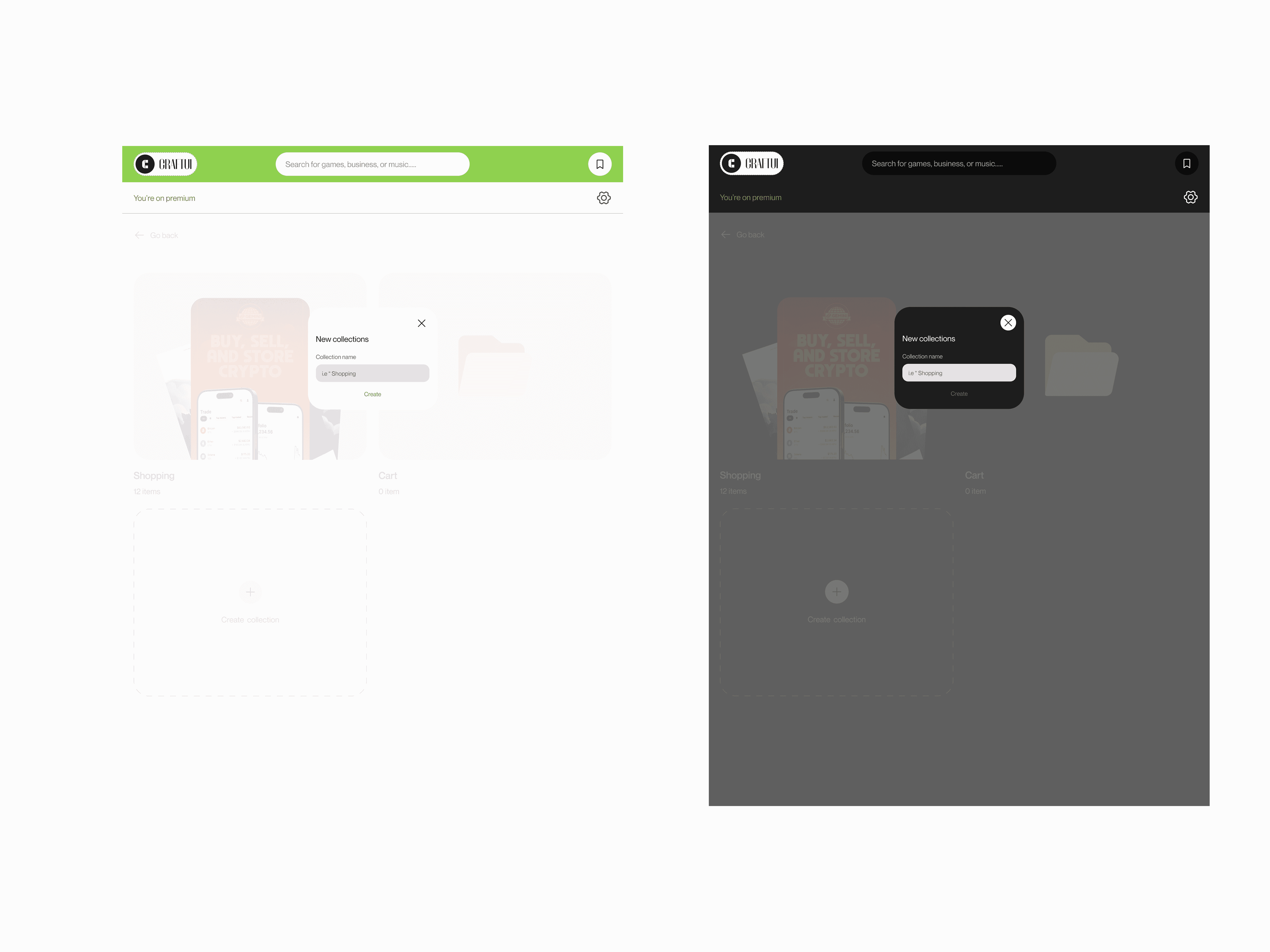
Bookmark New collection state
Bookmark New collection state
Light & Dark Mode
Light & Dark Mode
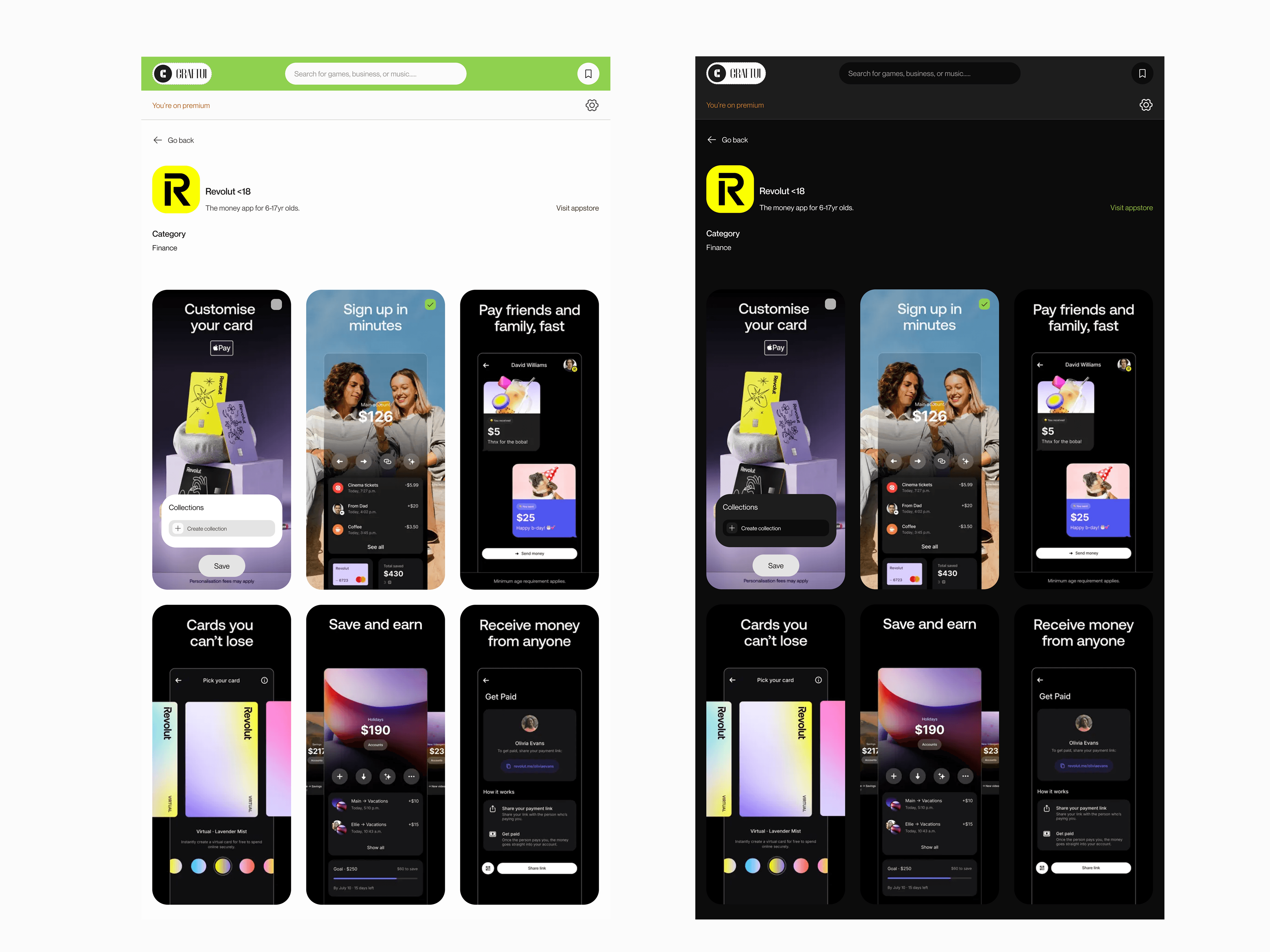
Bookmark Collection Lists
Bookmark Collection Lists
Light & Dark Mode
Light & Dark Mode
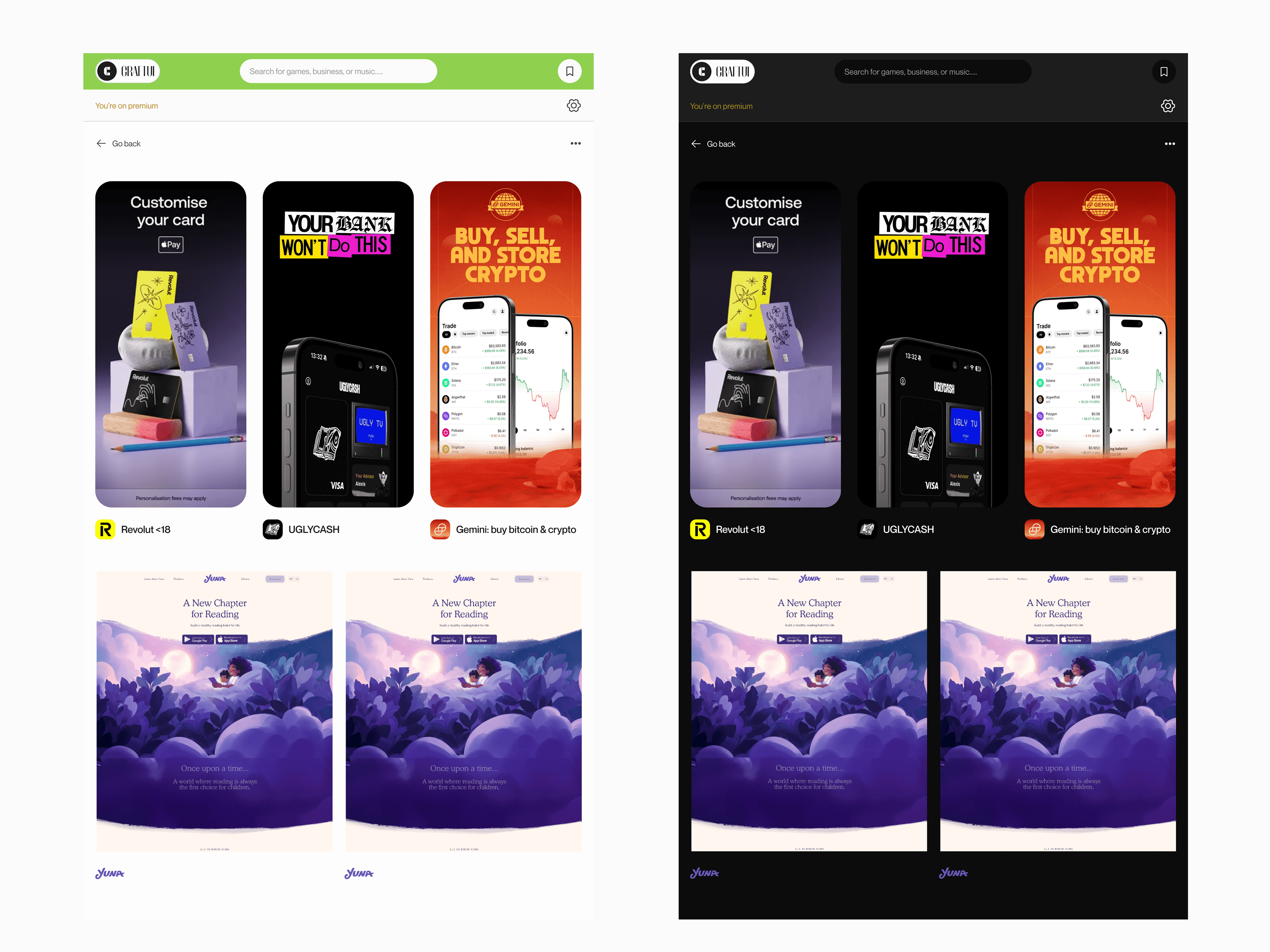
Bookmark Delete & Edit option state
Bookmark Delete & Edit option state
Light & Dark Mode
Light & Dark Mode
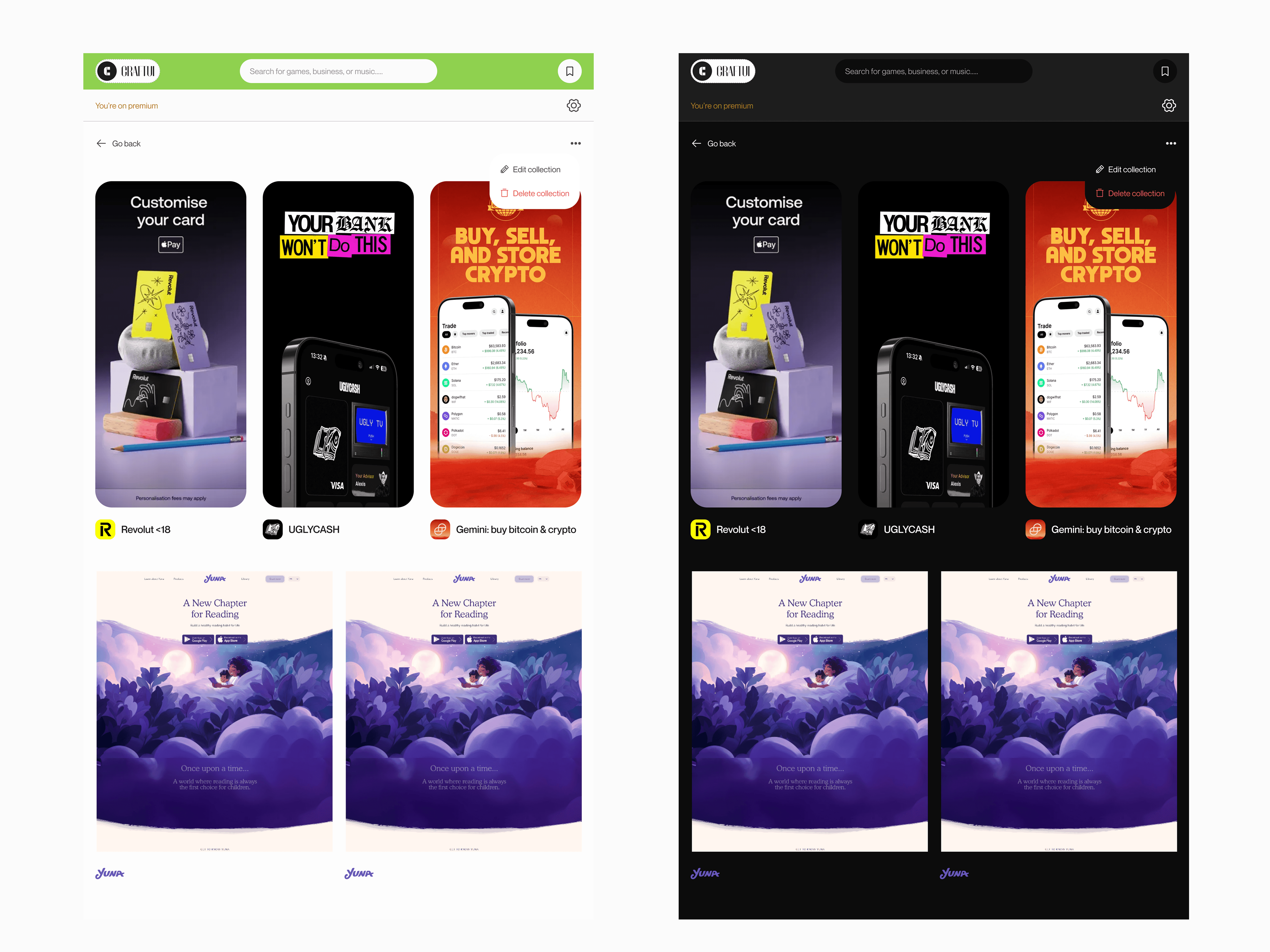
Bookmark Delete & Edit option state
Bookmark Delete & Edit option state
Light & Dark Mode
Light & Dark Mode
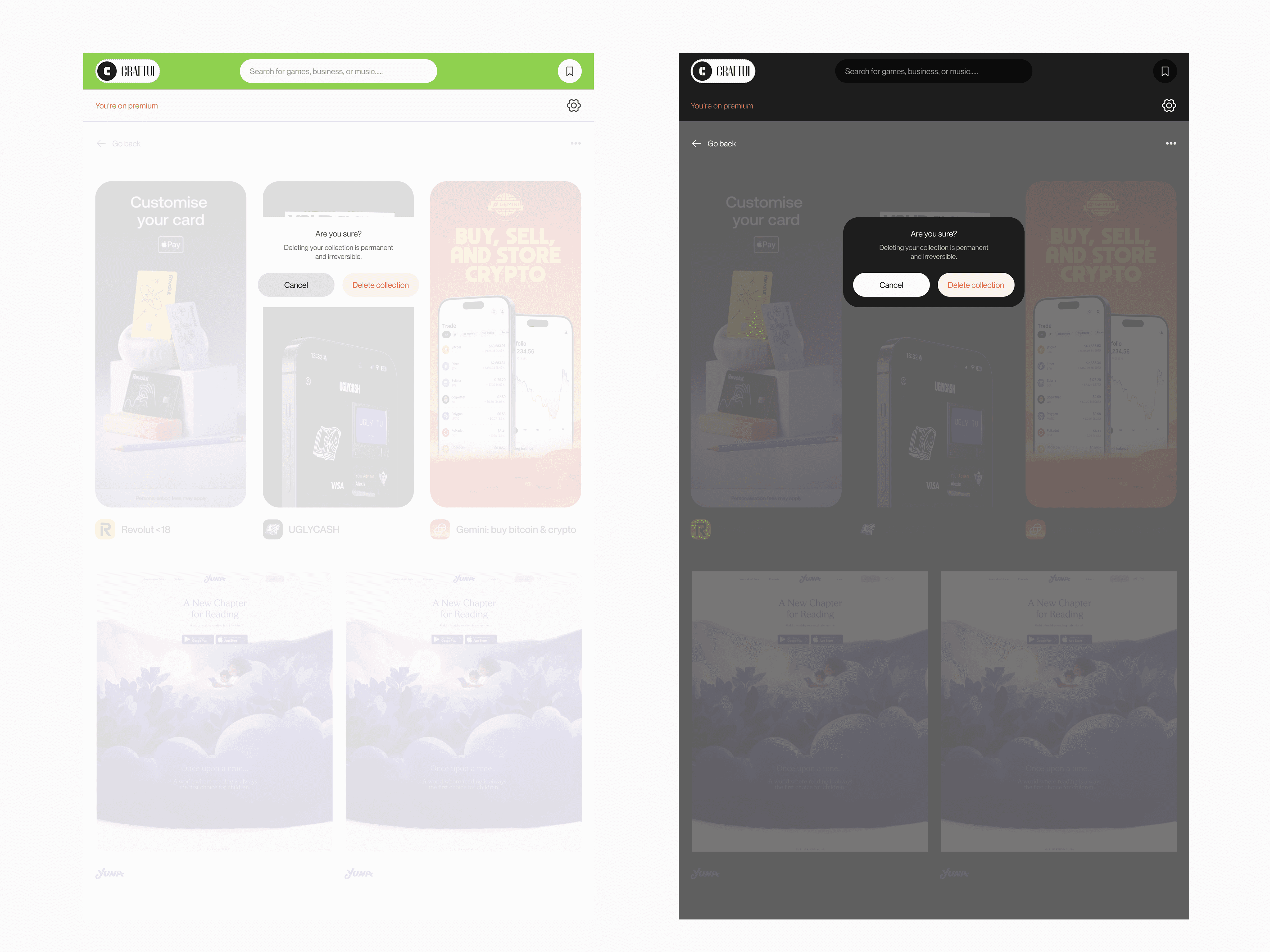
Bookmark Delete option state
Bookmark Delete option state
Light & Dark Mode
Light & Dark Mode
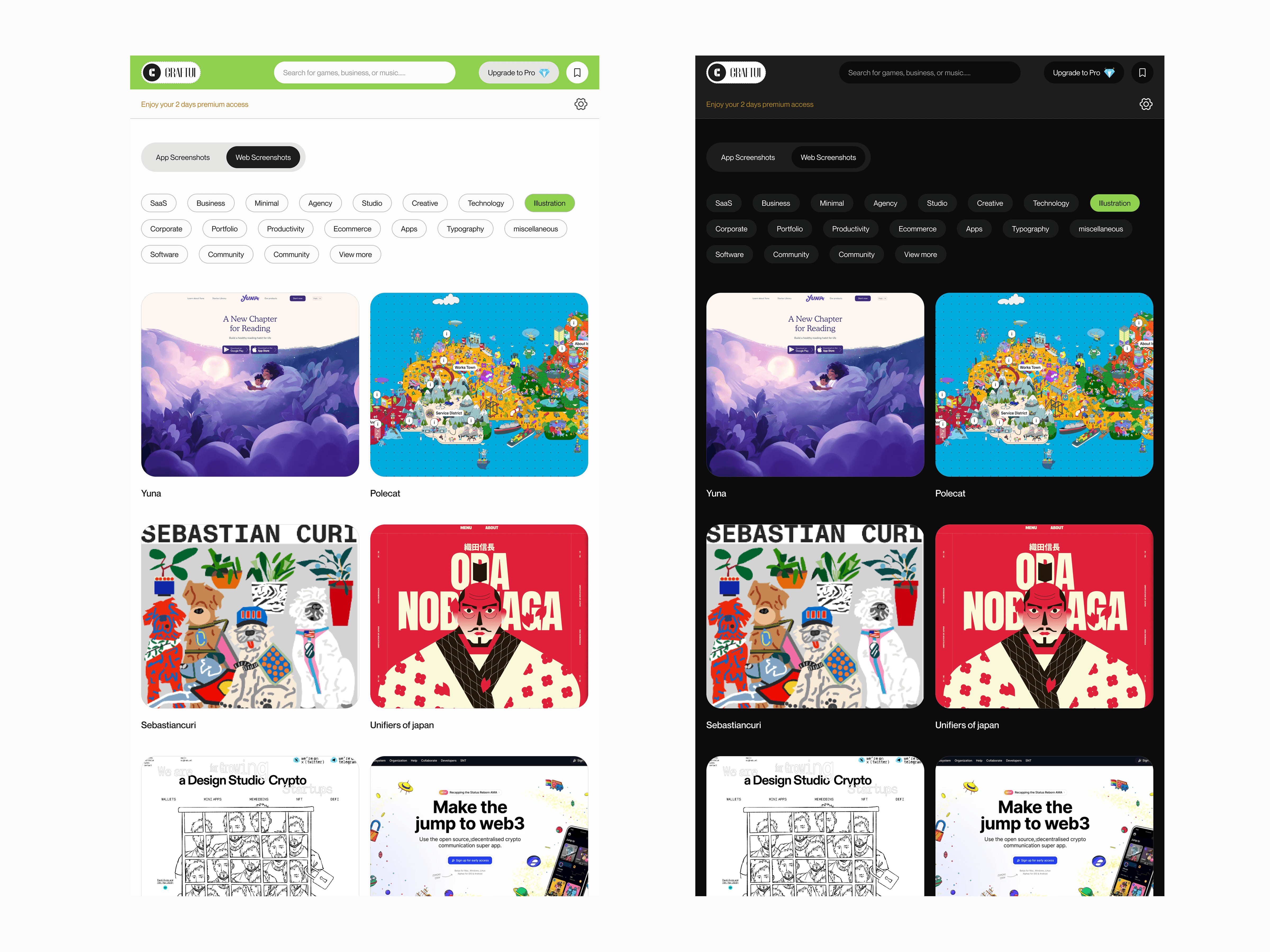
Web Screenshot Home screen
Web Screenshot Home screen
Light & Dark Mode
Light & Dark Mode
Web Inspo preview
Web Inspo preview
Light & Dark Mode
Light & Dark Mode
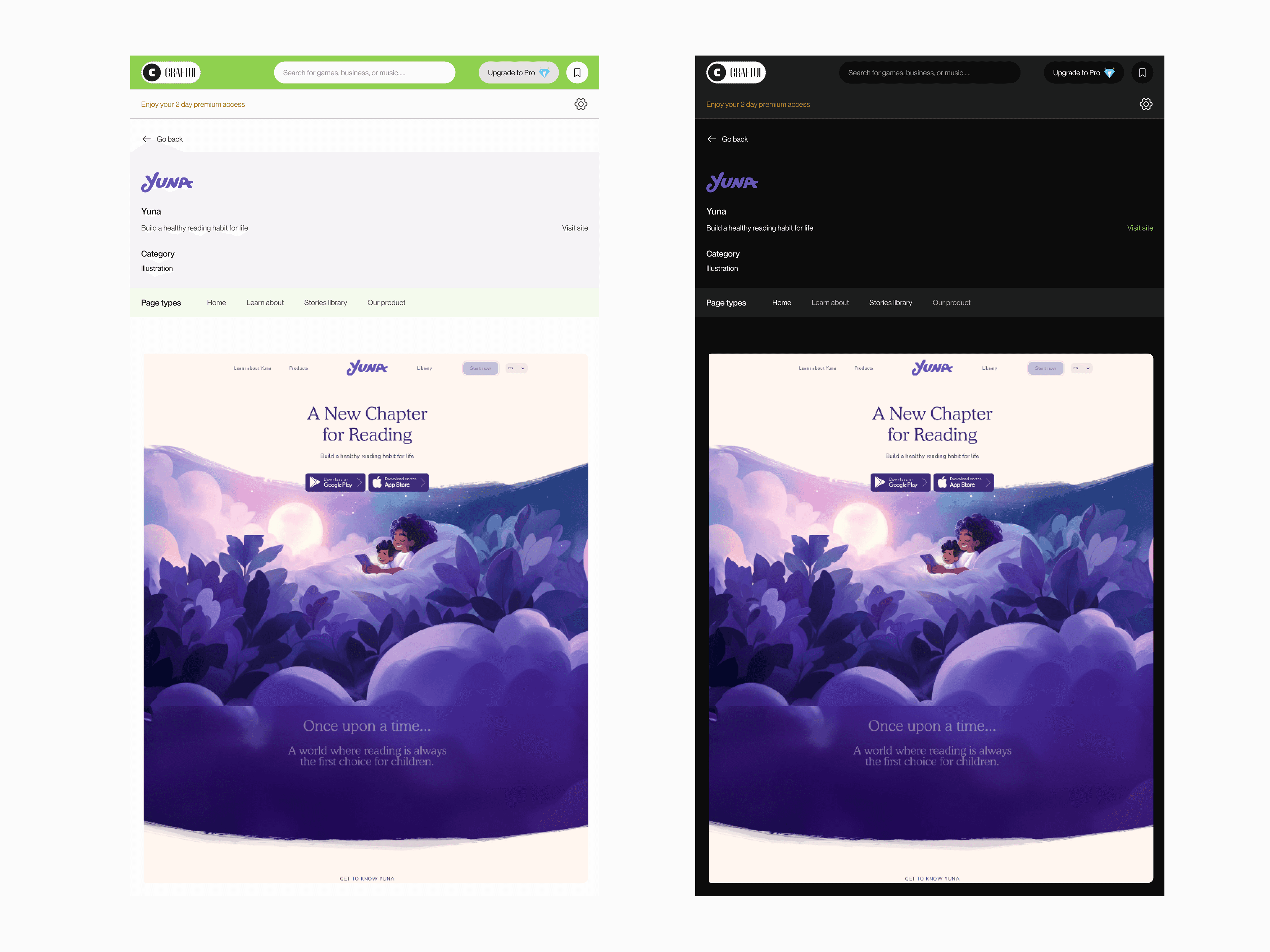
Web Moodboard creation
Web Moodboard creation
Light & Dark Mode
Light & Dark Mode
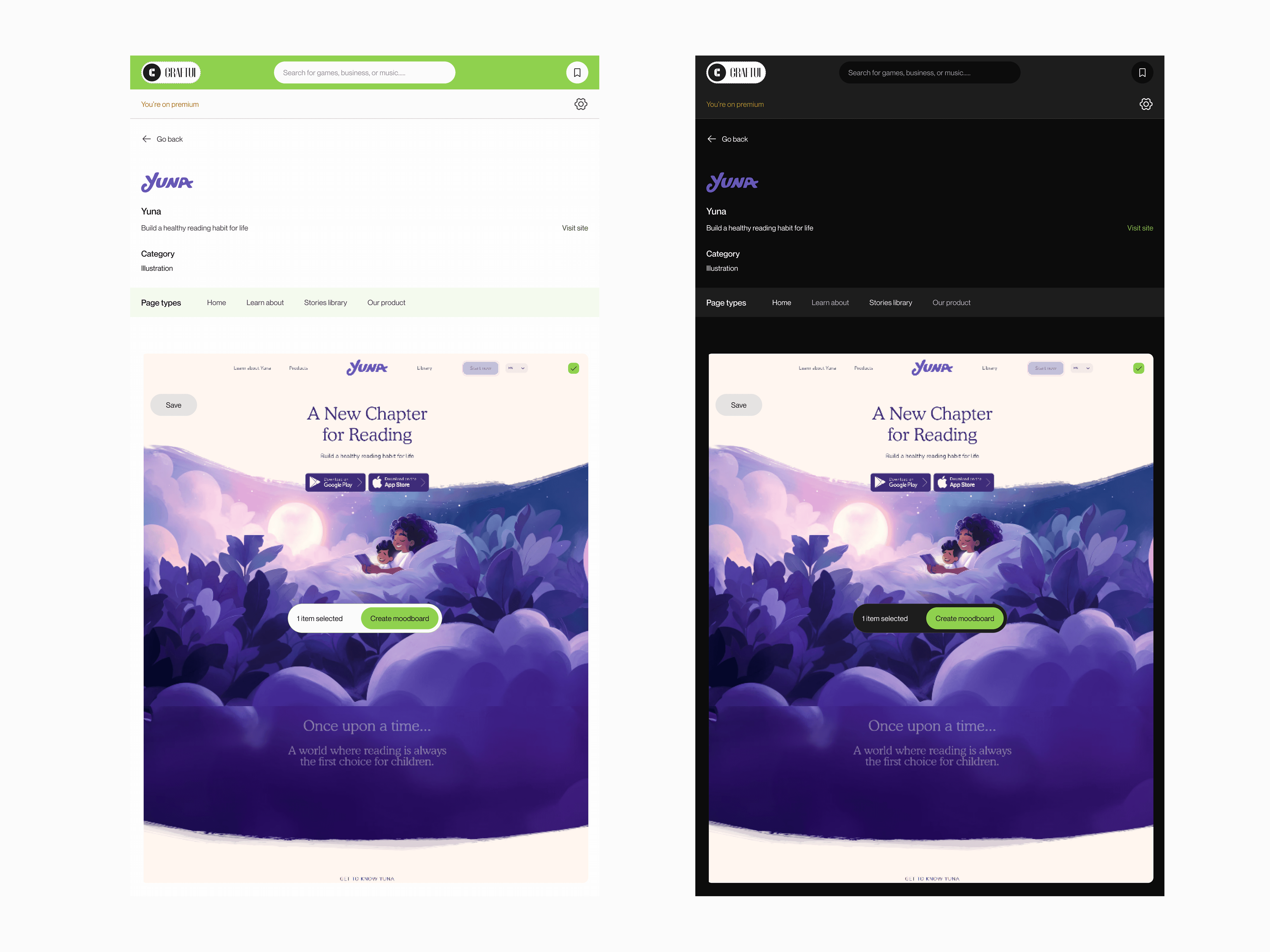
Web Moodboard Save popup - Collection created
Web Moodboard Save popup - Collection created
Light & Dark Mode
Light & Dark Mode